If you’ve ever received a logo package from a designer and wondered why there are six different versions of the same file, you’re not alone. And if you’ve ever had a printer come back saying your logo “doesn’t print well,” this post is for you.
Here’s a breakdown of the two types of image files, when to use each one, and why sending the right file to the right place makes a bigger difference than most people realize.
Raster Graphics: Built from Pixels
Raster images are made up of a fixed grid of tiny colored squares called pixels. Every photo you’ve ever taken on your phone is a raster image. Common raster formats include JPEG, PNG, WebP, GIF, and TIFF.
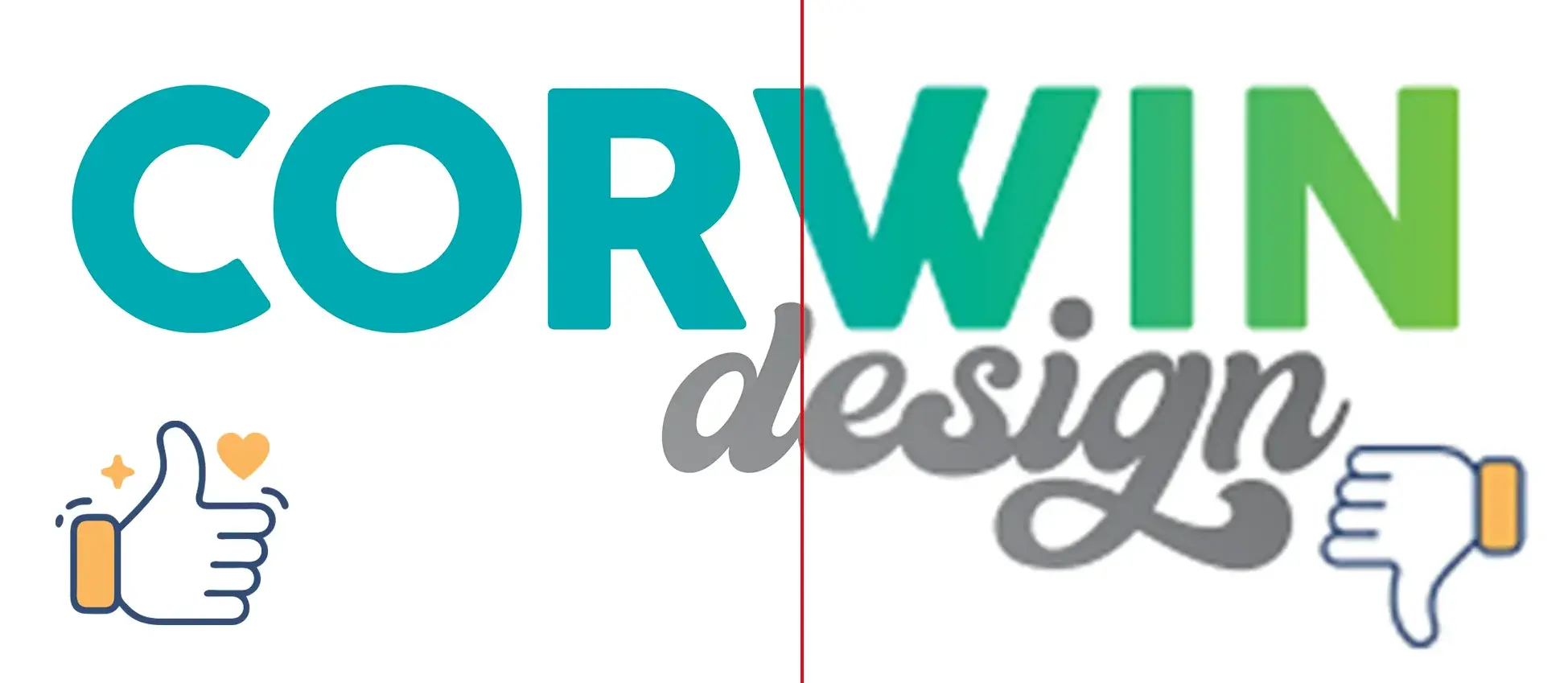
The key word there is fixed. A raster image has a set number of pixels, and when you stretch it beyond its original size, those pixels get bigger — and the image gets blurry. You’ve seen this before: a logo that looks fine on a website but turns into a fuzzy mess when someone tries to print it on a banner.
Learn more about resolution: click here for our guide to image resolution
Raster is the right choice for:
- Photography and images with complex color gradients
- Web graphics and social media (PNG for older site compatibility, WebP for performance)
- Any content that will only ever be viewed on a screen at a fixed size
Vector Graphics: Built from Math
Vector graphics work completely differently. Instead of storing a grid of pixels, they store mathematical instructions — essentially a recipe that tells your computer where to draw lines, curves, and shapes. The result is an image that can scale to any size, from a pen barrel to a building wrap, without losing a single bit of quality.
Common vector formats include PDF, AI (Adobe Illustrator), EPS, and SVG.
Your logo, at its core, should always exist as a vector file. It’s the format your designer originally built it in, and it’s the format that any professional printer worth working with will ask for.
Vector is the right choice for:
- Logos and brand marks in any print context
- Signage, banners, and large-format printing
- Promotional items, vehicle wraps, trade show graphics
- Anything that needs to be reproduced at multiple sizes
What’s in a Professional Logo Package — and Why
When we deliver a logo package to a client, it includes several file formats because different tools and vendors have different requirements. Here’s the quick breakdown:
PDF (vector, CMYK) — This is the professional print standard. It scales infinitely, works with any qualified print shop, and is the file to hand off to designers, sign makers, and commercial printers. When in doubt, use this one.
JPG (raster, RGB or CMYK) — Included as a convenience file for everyday office use: inserting into Word documents, internal presentations, and basic everyday print needs. It’s sized appropriately for those use cases, not for large-format production.
PNG (raster, RGB, transparent background) — The right choice for social media, websites, and digital presentations. The transparent background means it can sit cleanly over any color or image.
WebP (raster, RGB, transparent background) — A modern web-optimized format that loads faster than PNG without sacrificing quality. Ideal for embedding directly on websites.
There is no single raster file that works perfectly for every possible use case — from a business card to a billboard. That’s exactly why the vector PDF exists.
A Note on Canva
Not All PDFs Are Created Equal
PDF stands for Portable Document Format, and it lives up to the name — it’s one of the most universally compatible file formats ever created, openable by virtually every operating system, browser, and device without any special software. That ubiquity is exactly what makes it the professional standard for sharing documents. But universal compatibility doesn’t mean universal quality — a PDF is really just a container, and what’s inside that container is what determines whether it’s any good. A PDF can hold true vector artwork, or it can hold rasterized images, unoutlined fonts, and low-resolution graphics that will fall apart the moment they hit a professional press. The file extension tells you nothing on its own.
This is where Canva becomes a problem for print production. Canva is a genuinely useful tool for social media graphics, internal documents, and quick marketing content — a useful tool in the right context. But when people export a “PDF” from Canva and hand it to a printer expecting professional results, that’s where things go sideways.
Here’s why Canva PDFs often fall short:
Raster graphics embedded in a PDF wrapper. Canva works primarily with raster elements, and its PDF export often just packages those pixel-based graphics into a PDF file. You get the .pdf extension, but none of the scalability benefits of true vector artwork.
Fonts that aren’t outlined. Professional print-ready files require fonts to be converted to outlines — meaning the letterforms become vector shapes that any printer can reproduce exactly. Canva doesn’t reliably do this, which can result in font substitution or rendering issues on press.
RGB color mode. Canva works in RGB (screen color), while professional printing uses CMYK. That vibrant teal you’re seeing on your monitor may shift noticeably when it hits paper. Professional design software allows precise CMYK color management from the start.
Low-resolution images that look fine on screen. A design can look sharp at 72 DPI on your monitor and print as a blurry mess at the required 300 DPI. Canva’s export settings don’t always catch this.
Need to print from Canva? Click here to find out how!
The vector PDF in your logo package was built in professional design software from the ground up as a true vector file — not a photo of a logo, not a Canva export, not a screenshot dressed up as a PDF. That distinction is everything.
“My Vendor Says They Can Only Use JPEG or PNG”
If a vendor tells you they can’t work with a PDF, it’s worth taking a look at your PDF. As we covered above, not all PDFs are created equal. What you should be asking is what’s inside the PDF. However, a wholesale rejection of PDFs in general is a major red flag. A printer that prefers JPGs or other raster files and can’t use PDFs is like a plumber that prefers duct tape and can’t use wrenches.
A well-built vector PDF — the kind that comes from professional design software like Adobe Illustrator — is the gold standard for print production and should be accepted by any qualified printer without hesitation. If yours came from a professional designer or a logo package built in Adobe Illustrator, you’re good to go.
Not sure if your PDF is actually vector? Here’s a quick way to check.
Open your logo PDF in your preferred program (or try the free Adobe Acrobat Reader). Zoom in to 400% or higher using View → Zoom → 400%, or simply hold Ctrl/Cmd and press + repeatedly. If the edges of your logo stay perfectly crisp and sharp at any zoom level, it’s a true vector file. If things get blurry or you start to see pixels, the PDF contains raster graphics and probably won’t perform well in large-format print.
That said, if your vendor requires a JPEG for their specific workflow, the fix is simple. Free tools like CloudConvert allow anyone to convert a vector PDF to almost any format at whatever pixel dimensions the vendor needs. The vector file is the source of truth — everything else can be derived from it. If your vendor requires specific specs, ask them: what file format, what pixel dimensions, and what resolution? Then you can export exactly what they need from the PDF.
The Bottom Line
Your vector PDF logo is the definitive, highest-quality version of your logo, and it is what professional printers use. The raster files in your package are convenient extras for specific everyday purposes, not replacements for the vector.
When you work with a printer who understands this, the whole process is smoother, faster, and the final product looks sharper. Our equipment works directly with vector artwork — which means your logo prints the way it was designed, every time, at any size.
Have questions about your logo files or an upcoming print project? We’re happy to take a look and make sure you’re set up for the best possible result.