And Why Real Logos Are Always Vector
In the age of fast design and instant downloads, AI-generated logos feel like a magic trick: type a few words, click a button, and suddenly you have a shiny new “brand.” For a quick idea or a starting point, these tools can be helpful. But when it comes to real-world branding – especially anything larger than a business card – AI-generated logos simply don’t hold up.
If you’ve ever sent a logo to a printer and heard, “This won’t work for a poster”, here’s why.
Raster vs. Vector: The Real Issue Behind Blurry Prints
Most AI logo generators export logos as JPGs or PNGs, which are raster images.
Raster artwork is made of tiny squares of color called pixels. Pixels are fixed in number. That means the image has a finite size it can be printed before it starts to look blurry, blocky, or visibly “digital.”
A typical AI-generated logo JPG might be around 1000-1500 pixels tall. In print terms, that equals roughly 3-4 inches at high quality. Anything larger – like a flyer, poster, banner, or vehicle graphic – requires a much higher resolution than the image actually contains.
Vectors work differently.
Real, professional logos are built using vector format files. Vector files end in AI (short for Adobe Illustrator – not artificial intelligence. Confusing for sure!), SVG, EPS, or PDF. Instead of pixels, vectors are made from mathematical curves. They scale infinitely without losing clarity. A vector logo can be printed at 1 inch tall or 100 feet tall and still look perfect.
This is why every reputable designer, design agency, and printer requires vector files for professional branding.
Read more about Image Resolution – click here!
Why AI Logos Don’t Scale Beyond Small Prints
- Pixel limits. A raster logo has a built-in max size – once you enlarge past that limit, it begins to degrade.
- Color banding and artifacts. Enlarging JPGs creates visible distortion, discoloration, and noise.
- Fine details collapse. Most AI logos include tiny textures, shadows, highlights, and gradients that simply don’t translate well to print.
- Inconsistency. If you ever try to recolor or modify the logo, it becomes even more degraded.
In short: AI logos are great if you want an idea. But they are not production-ready brand assets.
Re-Creating AI Logos Often Takes Longer Than Designing One From Scratch
Many clients send over an AI-generated concept and ask for it to be “cleaned up” into a real logo. That’s absolutely possible—but not always simple.
Here’s the catch:
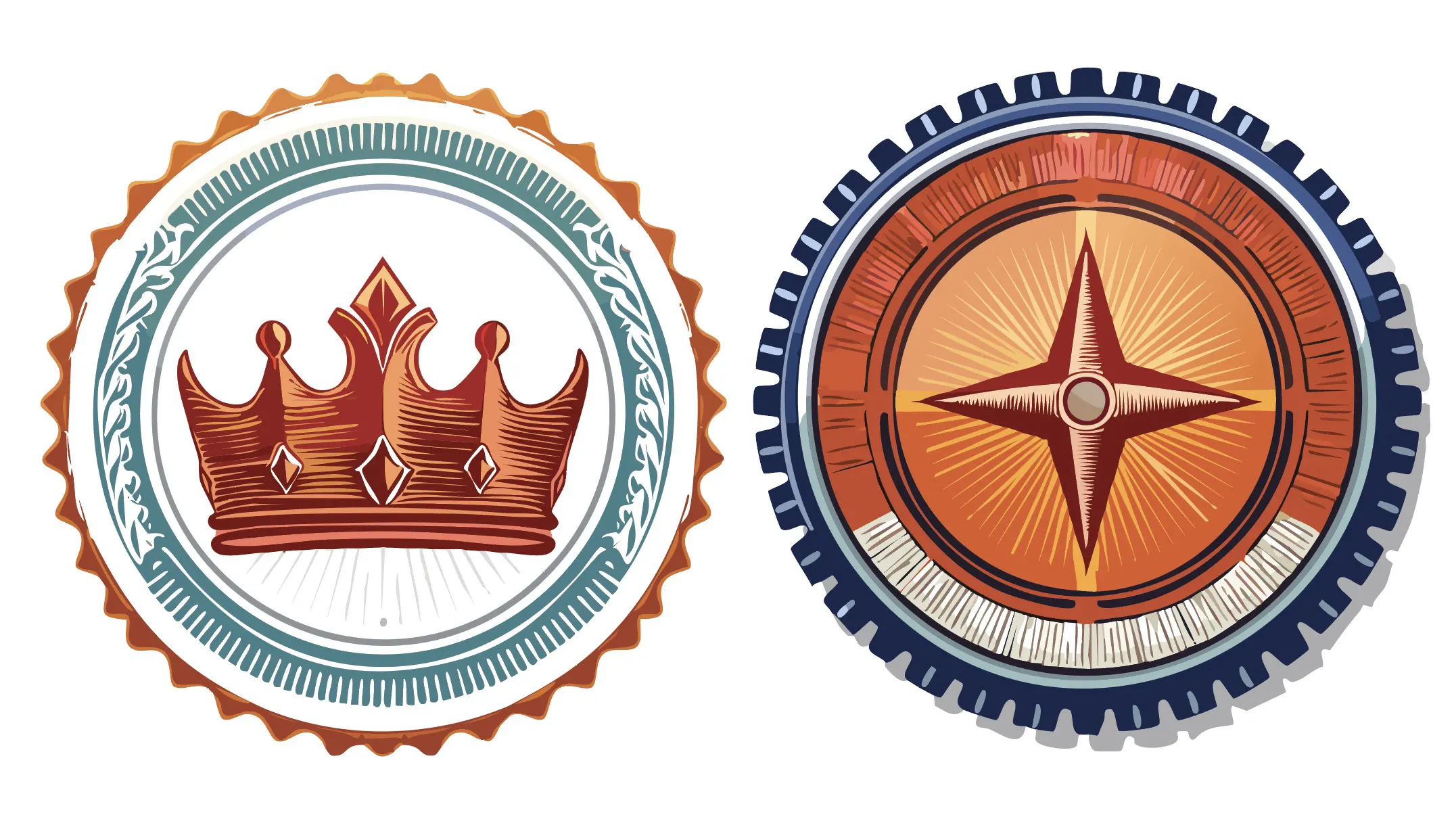
Most AI logos include extremely intricate details: metallic effects, tiny decorative patterns, stacked shadows, beveled edges, or hyper-thin linework. These elements can’t be directly converted into vector. They must be rebuilt by hand, curve by curve, shape by shape.
Ironically, re-creating an AI logo exactly can take more time than designing an original professional logo from scratch, because:
- AI has no sense of practicality or simplification
- Decorative effects must be redesigned to work in flat vector
- Many elements need to be rebalanced for scale and clarity
- Shapes need to be corrected to be symmetrical or proportional (AI is notoriously bad at geometry)
When clients ask, “Can you just vectorize this?” the reality is:
We can – but it’s often a time-consuming endeavor. It’s usually faster to simplify the logo into something similar, not identical.
AI Logos Are a Starting Point – Not a Final Brand
AI is a powerful brainstorming tool. You can absolutely use it to spark ideas, explore styles, or visualize concepts quickly. But the final logo for your business should be:
- vector-based
- clean and professional
- scalable to any size
- versatile for print and digital
- easy to reproduce consistently
That’s what establishes a brand, not just an image.
If you’ve got an AI-generated logo you love the idea of, a designer can turn that into a true, production-ready vector mark. But for anything beyond business card size, a raster logo simply won’t make the cut.